
Independent guide · not the official site
ArtCraft PhotoCraft, explained: the free Photoshop alternative written in Rust
PhotoCraft is the image editor in the ArtCraft family of open-source creative apps. It keeps the layers, masks, shortcuts and PSD files you already know, runs offline on your own computer, and costs nothing. This page covers what it does, where to download it safely, and what it cannot do yet.
- Latest version
- 0.7.0 · Oct 11, 2026
- Price
- Free
- License
- Apache-2.0 / MIT
- Runs on
- macOS · Windows · Linux · Web
Facts checked against getartcraft.com and the PhotoCraft GitHub repository on October 12, 2026.
The short version
What is ArtCraft PhotoCraft?
PhotoCraft is a desktop image editor published by ArtCraft, the team behind a growing set of open-source creative apps that also includes VectorCraft, FilmCraft and LightCraft. Its own description is direct: a clean-room reimplementation of Adobe Photoshop, rebuilt from scratch in Rust.
In practice that means the menus, panels and keyboard shortcuts sit where a Photoshop user expects them, and layered PSD and PSB documents open and save without a conversion step. The app draws its canvas on the GPU instead of inside a web view, so it starts quickly and stays responsive on large files.
The source code is public on GitHub under the Apache-2.0 and MIT licenses, where the repository has passed 46,000 stars. PhotoCraft is still labelled early alpha, and the developers say plainly that it is not yet a full Photoshop replacement for daily professional work.
What is inside
PhotoCraft features that matter in real work
Six things the editor already does well, based on the official feature list.
Familiar by design
Menus, tools, panels and shortcuts follow the layout Photoshop users have in muscle memory, so there is very little to relearn on day one.
Native GPU canvas
The compositor runs on Metal, Vulkan, DirectX 12 and WebGPU. There is no Electron shell and no embedded browser between you and the pixels.
Real PSD and PSB files
Open, edit and save layered Photoshop documents. The project tests against hundreds of real-world PSD files and publishes how many survive a round trip.
Non-destructive editing
16 adjustment layers, more than 70 filters with live preview, smart objects with smart filters, and a full set of layer styles keep the original pixels untouched.
On-device selection
Select Subject, Object Selection and mask refinement run on your own machine. No image is uploaded and no account is required.
Serious color
8, 16 and 32-bit documents in RGB, CMYK, Lab and Grayscale, with ICC color management and soft proofing for print work.
Also worth knowing: every action in PhotoCraft is a command, so the same engine can be driven from the interface, a command-line tool, a JSON control channel or an MCP server for AI agents.
Get the app
Download ArtCraft PhotoCraft from the official sources
PhotoCraft is free on every platform. We do not host or repackage installers: the buttons below go straight to ArtCraft and GitHub, which is the only safe way to get the app.
macOS
Disk image (Universal)
One download for Apple silicon and Intel Macs. A signed command-line tool is available separately.
- photocraft-0.7.0-macos-universal.dmg
- photocraft-cli-0.7.0-macos-universal.zip
Windows
Installer (64-bit)
For most Windows 10 and 11 PCs. Portable, 32-bit and ARM64 builds are also published.
- photocraft-0.7.0-windows-x64.msi
- photocraft-0.7.0-windows-x64-portable.zip
- photocraft-0.7.0-windows-arm64.msi
Linux
Flatpak or AppImage
Sandboxed Flatpak, a run-anywhere AppImage, plus .deb, .rpm and tarball builds for x86_64 and ARM64.
- photocraft-0.7.0-linux-x86_64.flatpak
- photocraft-0.7.0-linux-x86_64.AppImage
- photocraft-0.7.0-linux-x86_64.deb
File names follow the 0.7.0 release and change with every version. Compare your download against SHA256SUMS.txt on the release page before installing.
Three ways in
How to install PhotoCraft
Pick the route that matches how much control you want.
- 1
Use the ArtCraft Launcher (recommended)
The Launcher installs PhotoCraft and the other ArtCraft apps from one place, chooses the right build for your computer and keeps everything updated. Download it from the official PhotoCraft page and install PhotoCraft from inside it.
- 2
Install PhotoCraft on its own
Prefer no launcher? Download the standalone installer for your platform, run it, and return to the release page when a new version ships. Installing the Launcher later will pick up the existing copy.
- 3
Build it from source
You need Rust 1.90 or newer (install it with rustup). Clone the repository and run the desktop app with Cargo:
git clone https://github.com/storytold/photocraft.gitcd photocraftcargo run --release -p photocraft
Head to head
PhotoCraft vs Photoshop at a glance
Where the free newcomer already matches Adobe's editor, and where it does not.
| ArtCraft PhotoCraft | Adobe Photoshop | |
|---|---|---|
| Price | Free | Paid subscription |
| Source code | Open source (Apache-2.0 / MIT) | Closed source |
| Platforms | macOS, Windows, Linux, FreeBSD, web build | macOS, Windows, iPad, web |
| Works offline, no account | Yes | Requires an Adobe account |
| PSD / PSB files | Opens and saves layered files | Native format |
| Adjustment layers and layer styles | 16 adjustment layers, full layer styles | Complete |
| Generative AI (fill, expand, text to image) | Not available yet | Built in |
| Third-party plug-ins | Not compatible yet | Large ecosystem |
| Maturity | Early alpha (0.7.0) | Decades of production use |
PhotoCraft's own roadmap lists generative AI, 15 missing tools, deeper typography and plug-in compatibility as its biggest gaps.
PhotoCraft Hub AI studio
The part PhotoCraft does not ship yet: generative AI, in your browser
PhotoCraft has no text-to-image or generative edit tools today. Our online studio fills that gap: describe an image or upload one to edit, pick from 17 image models, then download the result and keep working on it in PhotoCraft as a normal layer.
- Text to image and reference-based editing
- 1 to 4 variations per run, cost shown before you click
- Free credits for new accounts in supported regions
64 free credits = 8 standard images or 2 Pro images. No card required.First successful creation each day earns +8 credits
Output board
Your generated variations will appear here.
AI video
Turn a still into motion
PhotoCraft edits still images. When a design needs to move, the AI video generator turns a prompt or a finished frame into a short clip with models such as Kling, Veo, Seedance and Wan.
Open the AI video generator- Text to video and image to video
- Clips from 5 seconds
- Paid credits, charged only when a task starts
AI studio gallery
AI-Generated Image Gallery
Explore stunning images created by our AI models
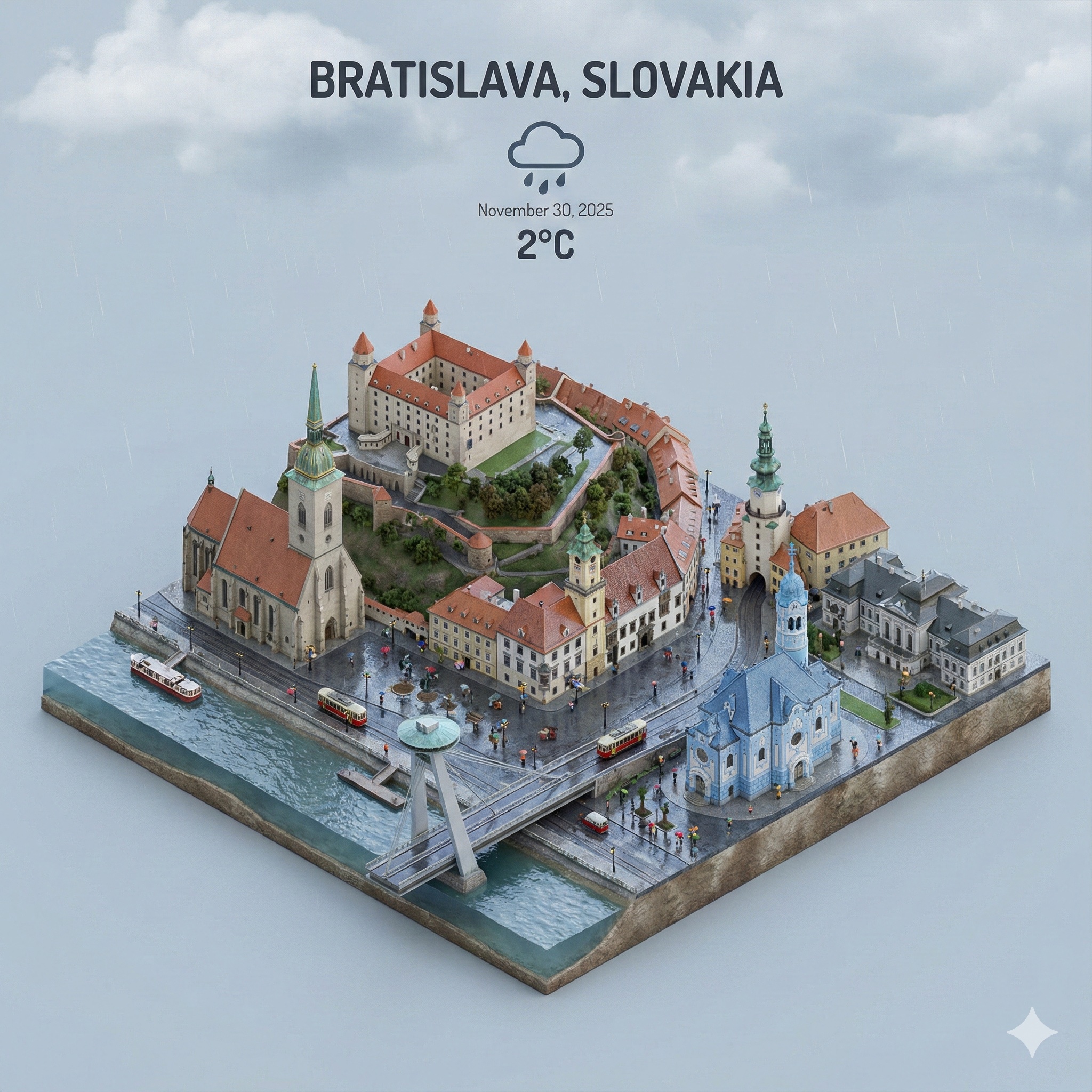
Cityscape
Isometric City Miniature
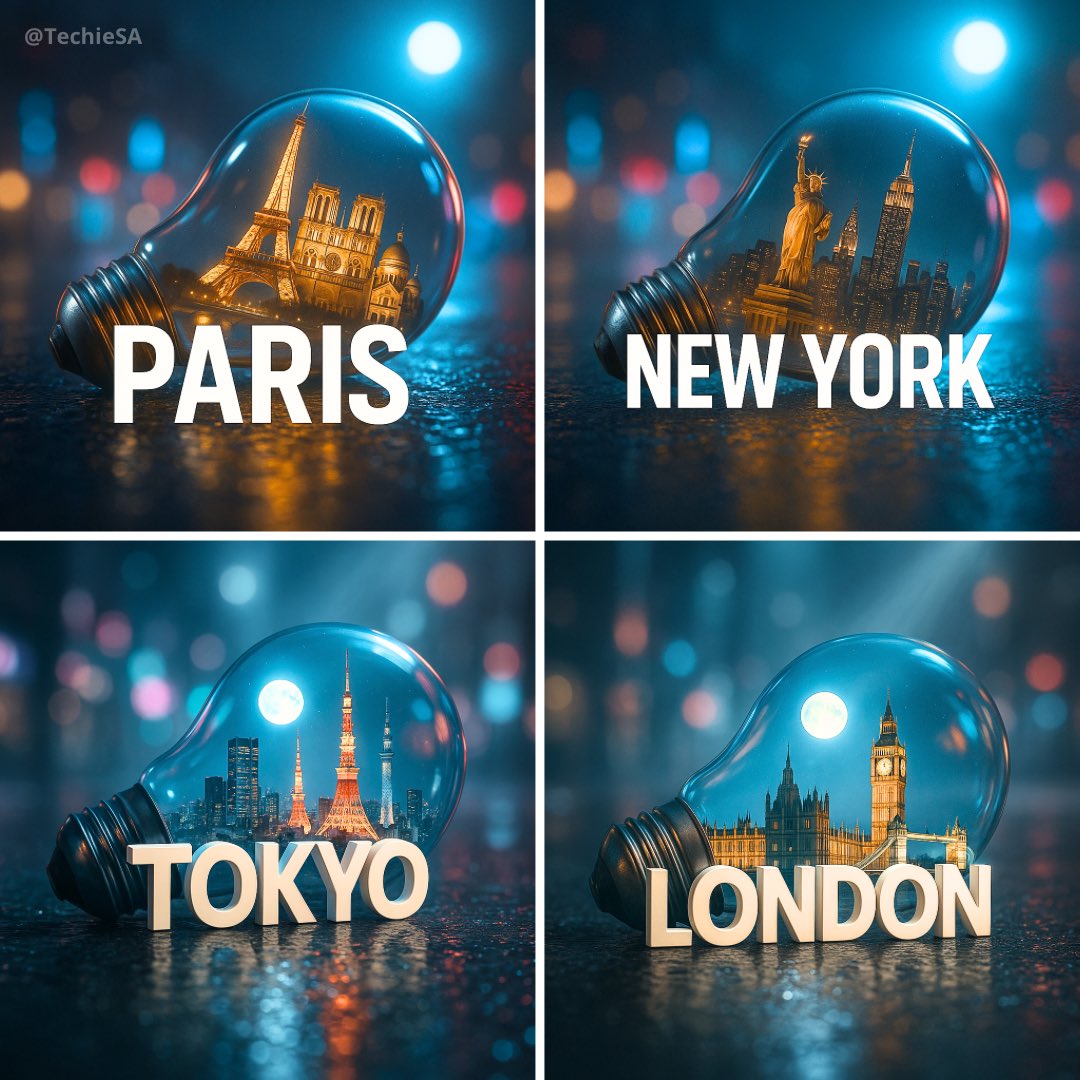
Cityscape
City in Light Bulb
Marketing
Cinematic 3D Advertisement
Animal
Bird in Inflatable Jacket
Animal
Pet Meme Sticker
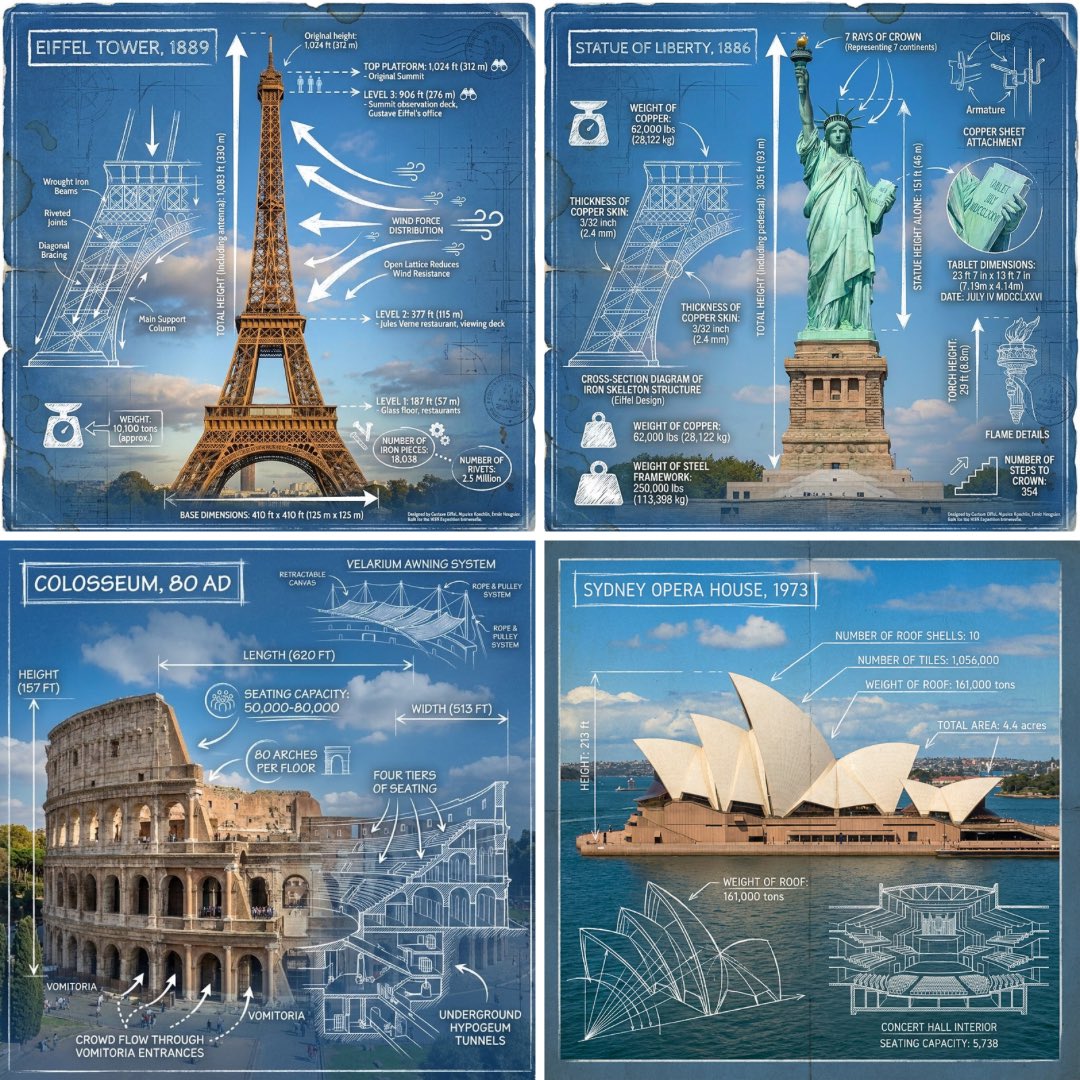
Presentation
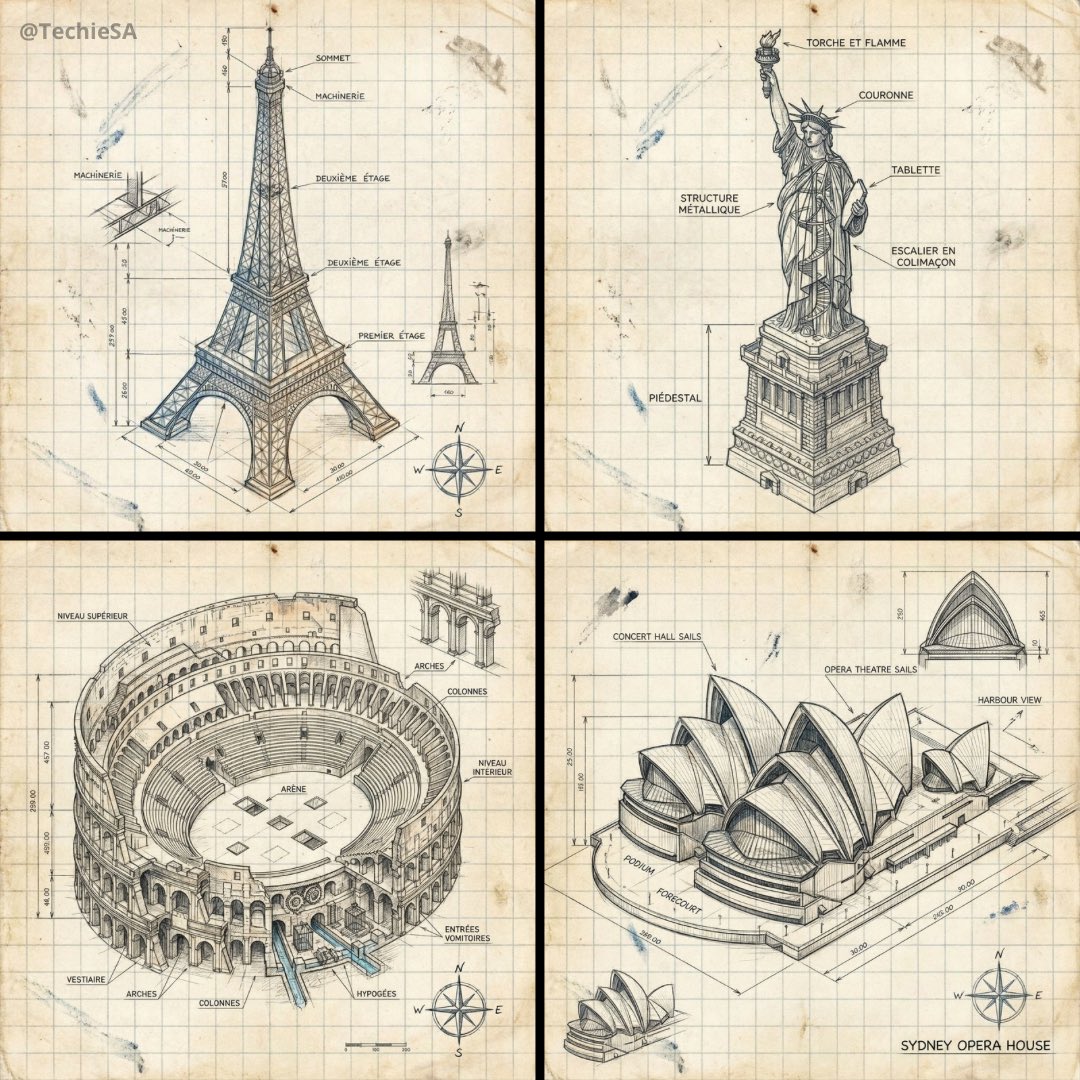
Landmark Infographic
Presentation
Isometric Landmark Schematic
Cityscape
3D City Travel Poster
Game Asset
Plush 3D Model
Game Asset
Themed Sticker Collection

Product
Sugar Cookie Design
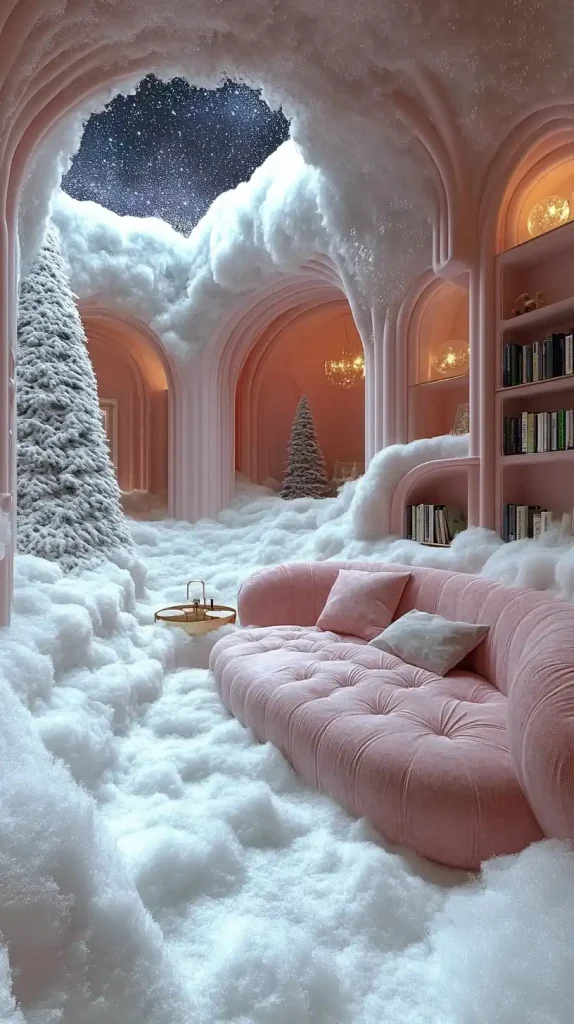
Wallpaper
Surreal Snowy Interior
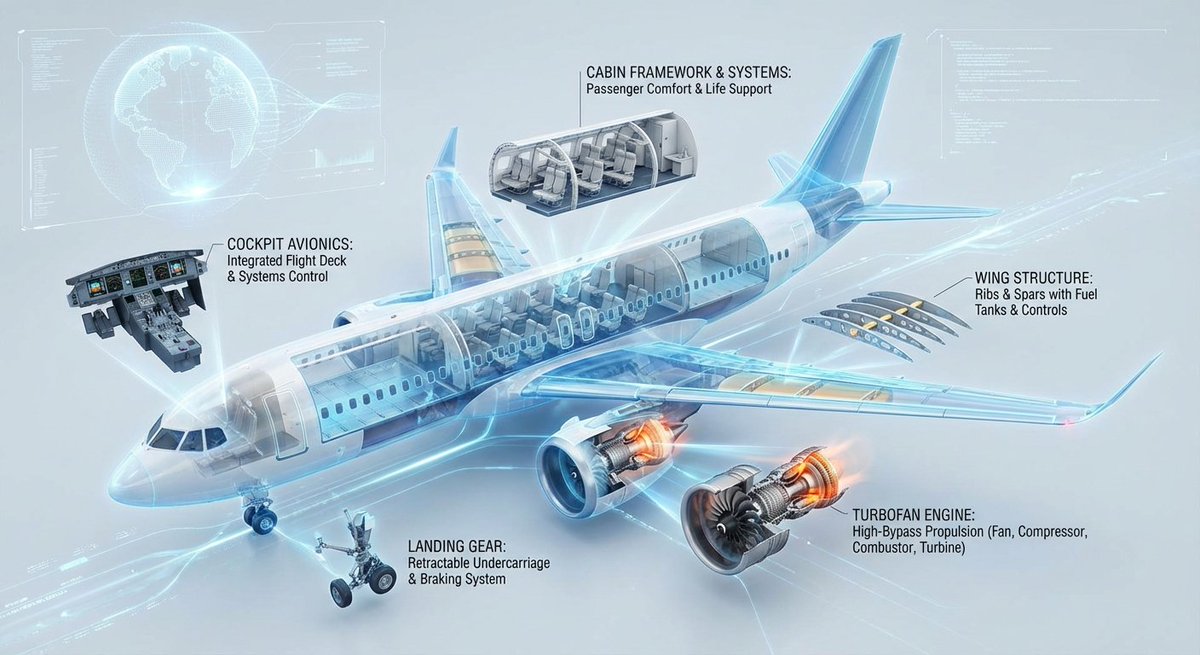
Architecture
Aircraft Cross-Section Infographic
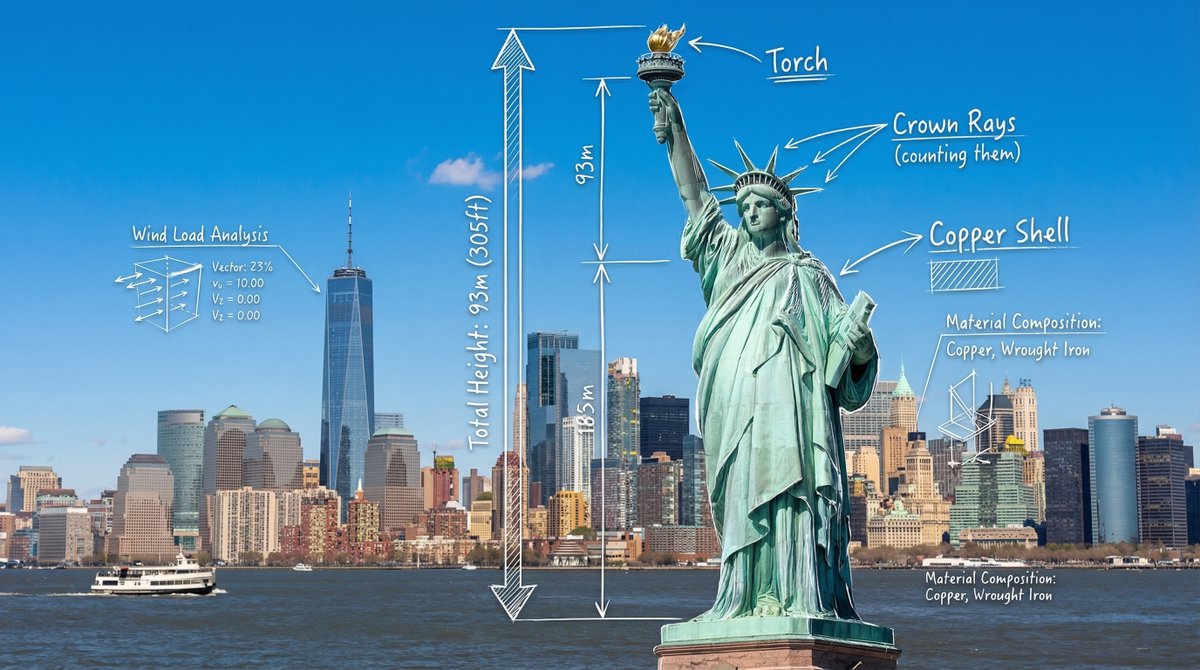
Architecture
Statue of Liberty Architectural Blueprint
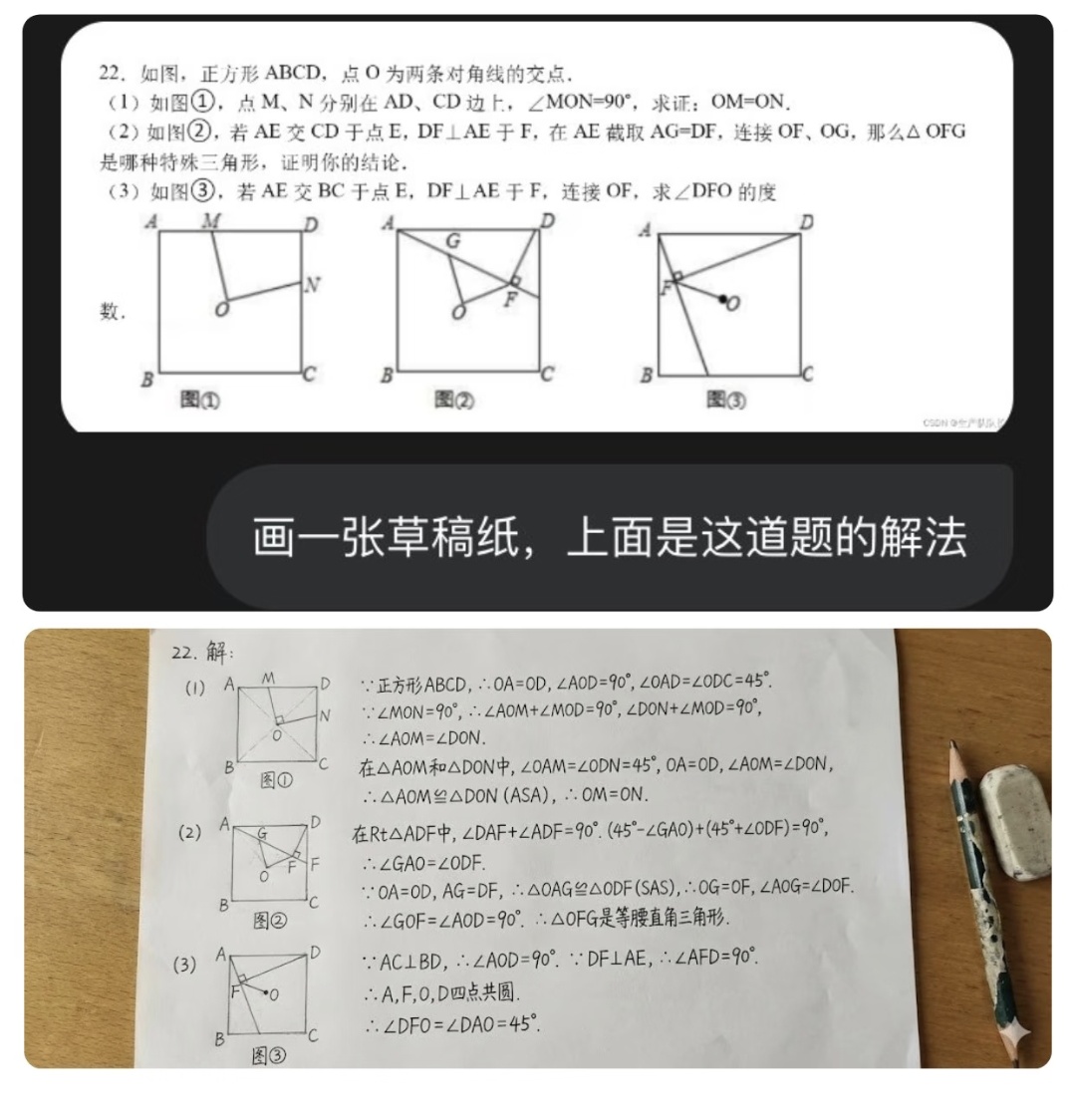
Architecture
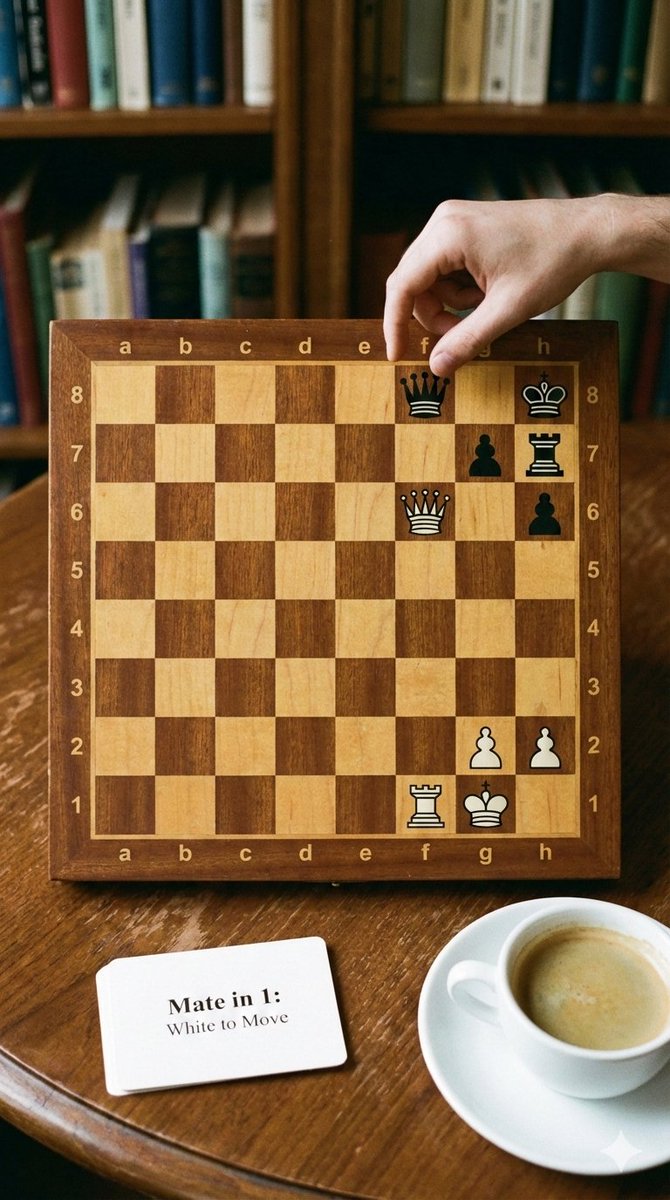
Solve a Math Problem
Architecture
Phone-friendly mate-in-one chess puzzle image
Architecture
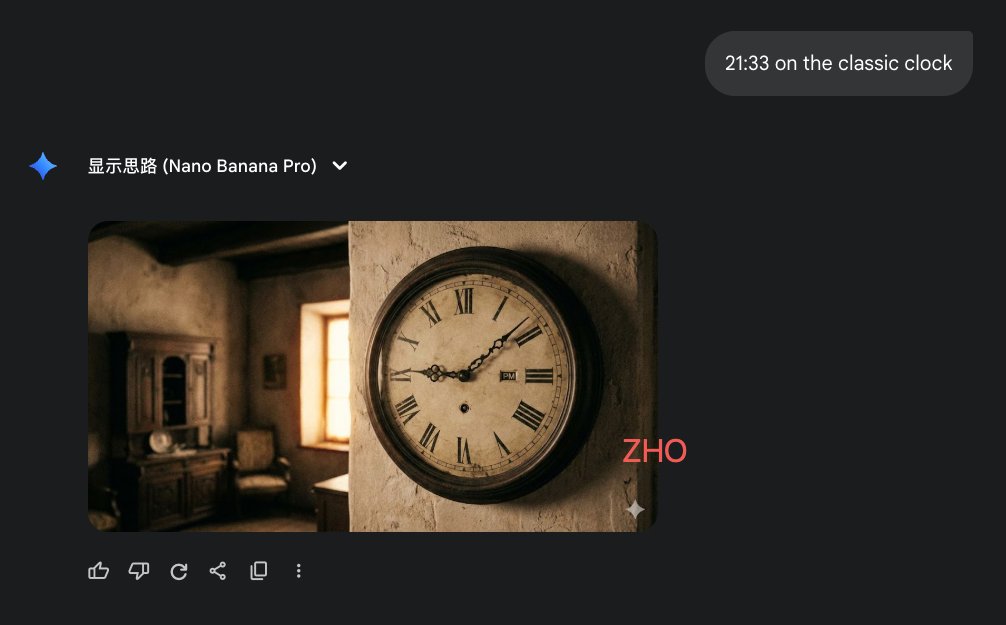
Clock face time rendering test
Architecture
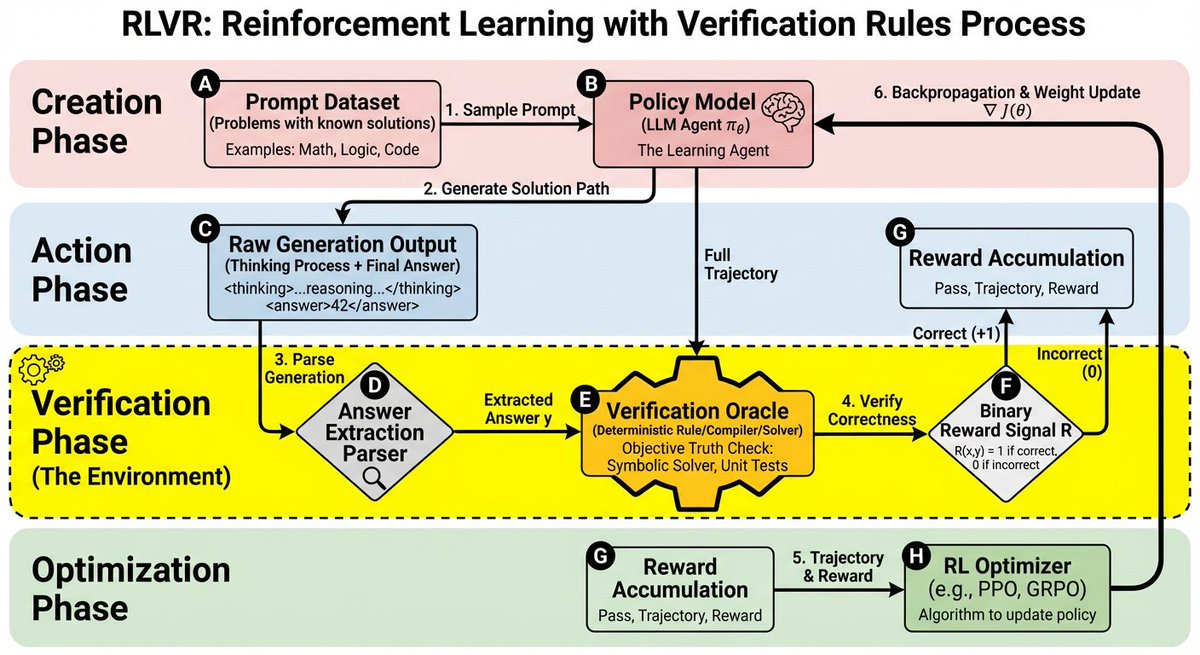
RLVR block diagram
Architecture
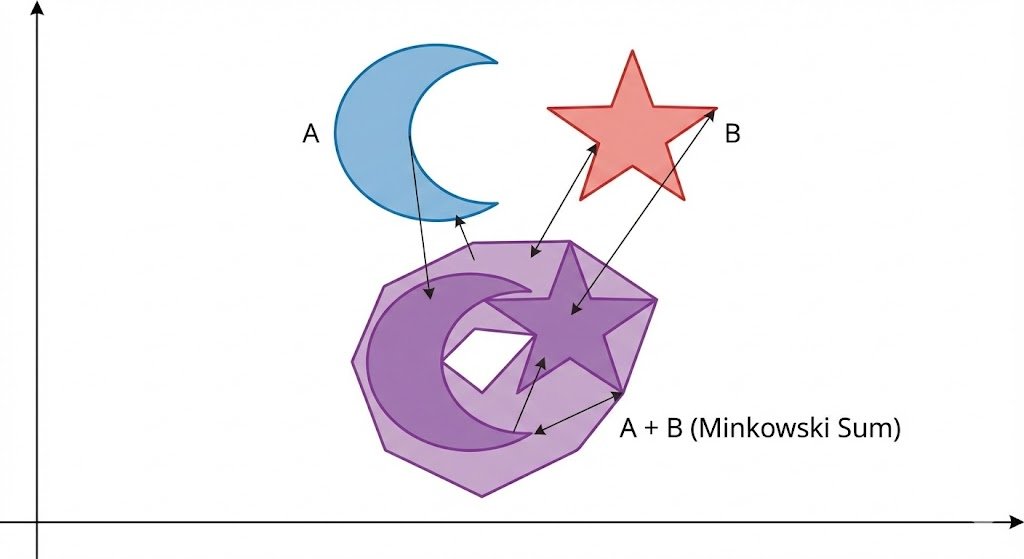
Minkowski sum of two non-convex sets
Architecture
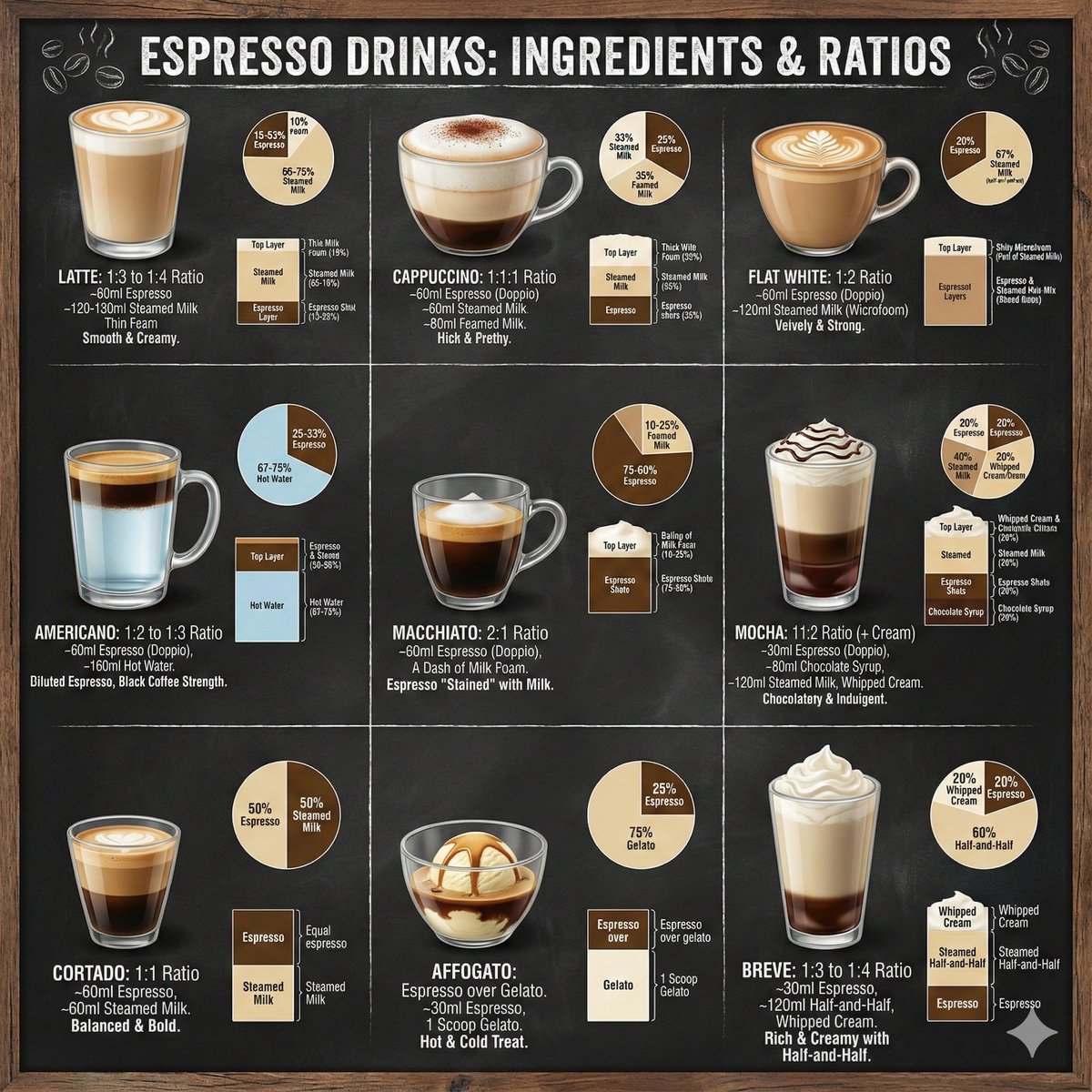
Coffee drinks infographic
Free browser tools
Quick fixes that do not need an install
Small image jobs you can finish in the browser before PhotoCraft has even launched. No sign-in, no credits.
Pricing for the AI studio
PhotoCraft itself is free and always will be. These plans buy credits for our own AI image and video generation.
Starter Pack
Try every model without a subscription
1,600 credits
About 200 standard images, 50 Pro images, or 29 Kling 2.6 videos
Includes
- 1,600 credits
- All image and video models
- Valid for 99 months
- No renewal
One-time purchase • No renewal
Growth Pack
PopularThe best value for steady use
5,000 credits
About 625 standard images, 156 Pro images, or 90 Kling 2.6 videos
Includes
- 5,000 credits
- All image and video models
- Valid for 99 months
- No renewal
One-time purchase • No renewal
Professional Pack
A large balance for production work
12,000 credits
About 1,500 standard images, 375 Pro images, or 218 Kling 2.6 videos
Includes
- 12,000 credits
- All image and video models
- Valid for 99 months
- No renewal
One-time purchase • No renewal
FAQ
ArtCraft PhotoCraft questions, answered
Short, sourced answers. Where the project itself is cautious, so are we.
Is ArtCraft PhotoCraft really free?
Yes. PhotoCraft is free on macOS, Windows, Linux and the web, and its source code is published under the Apache-2.0 and MIT licenses. There is no subscription and no account requirement for the editor itself.
Where is the safe place to download PhotoCraft?
Use the official PhotoCraft page on getartcraft.com or the releases page of the storytold/photocraft repository on GitHub. Each release includes a SHA256SUMS.txt file so you can verify the installer. Avoid third-party mirrors.
Can PhotoCraft open my Photoshop PSD files?
It opens, edits and saves layered PSD and PSB documents, including adjustment layers and layer styles. The project reports that nearly all files in its real-world test sets survive a round trip, but complex files can still differ, so keep a backup of anything important.
Can PhotoCraft replace Photoshop today?
For many everyday edits, yes. For full-time professional work, not yet: the developers describe PhotoCraft as early alpha and list generative AI, some missing tools, advanced typography and plug-in compatibility as open gaps.
Does PhotoCraft have AI features?
It has on-device selection tools such as Select Subject and Object Selection. It does not have generative features like text to image or generative fill. That is why this site offers a separate online AI image and video studio.
Which operating systems does PhotoCraft support?
macOS (Apple silicon and Intel), Windows 10 and 11 (64-bit, 32-bit and ARM64), Linux (Flatpak, AppImage, .deb, .rpm and tarball for x86_64 and ARM64) and FreeBSD 14. A WebAssembly build is available for self-hosting.
What is the difference between ArtCraft and PhotoCraft?
ArtCraft is the publisher and the name of the wider family of creative apps. PhotoCraft is the image editor in that family, alongside apps such as VectorCraft for illustration and FilmCraft for video editing.
Is PhotoCraft Hub the official PhotoCraft website?
No. PhotoCraft Hub is an independent guide with its own AI tools. The official site is getartcraft.com. We link to official downloads and never distribute PhotoCraft installers ourselves.
What do I pay for on this site?
Only the optional AI image and video generation. PhotoCraft itself, this guide and the browser tools are free. AI generation uses credits that you can buy as a one-time pack or a subscription.